الوصف
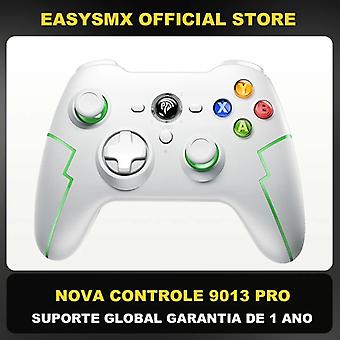
Easysmx 9013 Pro Bluetooth Gaming Controller, 2.4g Wireless Joystick Gamepad For Pc, Nintendo Switch, Phone, With Hall Trigger
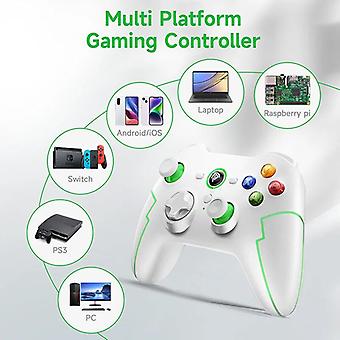
Multi-platform Compatible
compatible with PC, iOS/Android Phone, TV/TV Box, Nintendo Switch, Apple Arcade Games MFI, Raspberry Pi
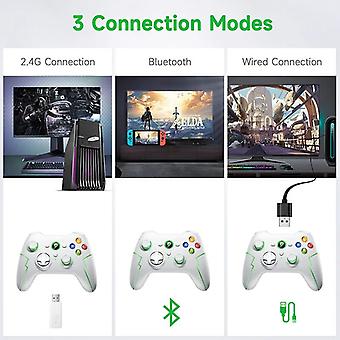
Support 3 Connection Method
Support 2.4G USB connection, Bluetooth connection, Type C cable connection
Hall Trigger
it adopts the latest Hall switch, which is more delicate in control and has a longer life
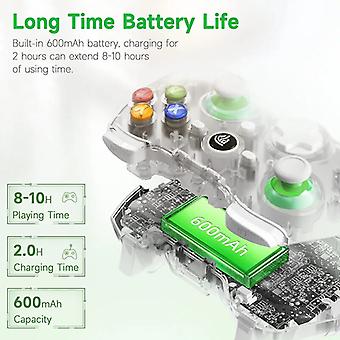
Long Battery Life
built-in 600mA lithium battery, battery life is more than 12 hour
Turbo Function
through the turbo key, the function key can be set to a Turbo function to achieve quick trigger of the key
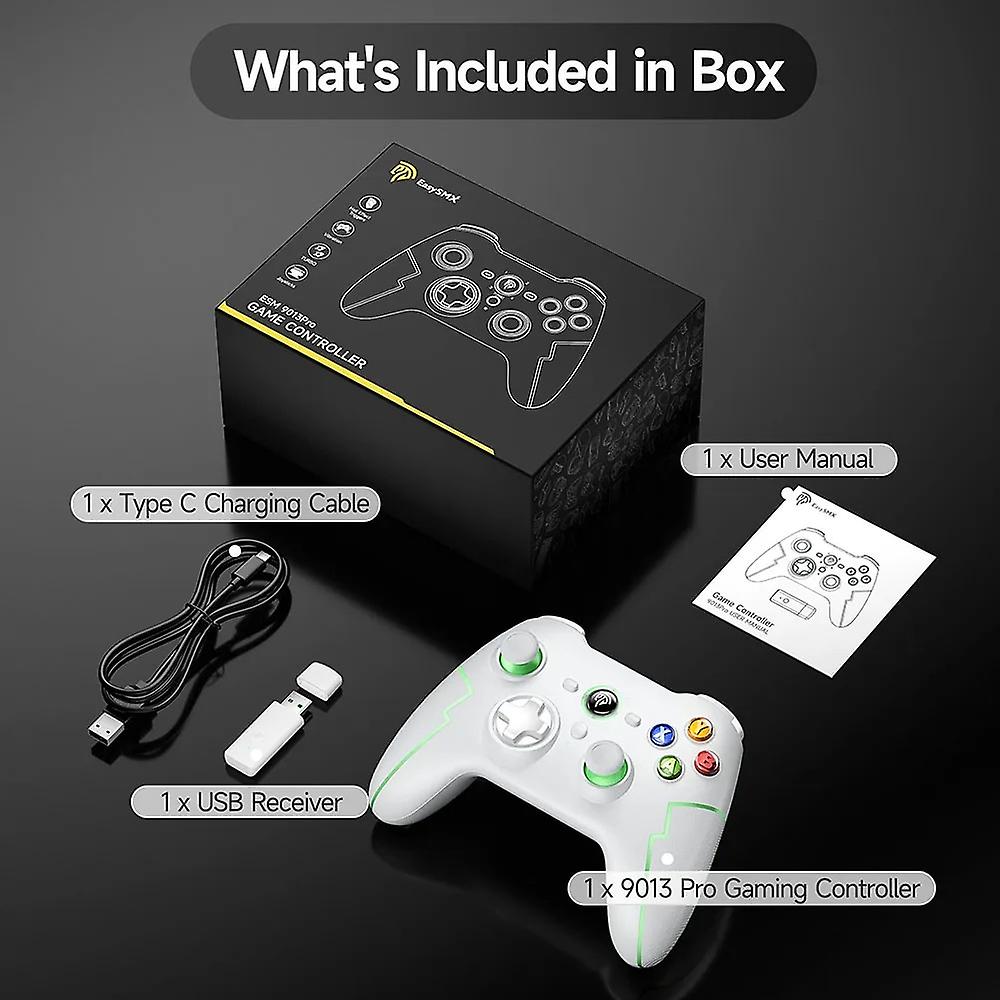
Packing List
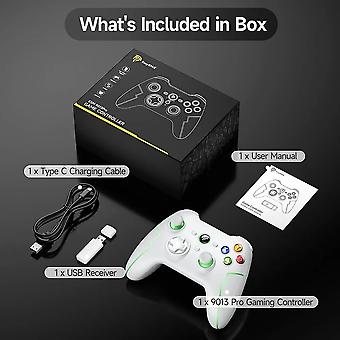
1 x EasySMX 9013 Pro Gaming Controller1 x USB Receiver1 x Type-C Charging Cable1 x User Manual1 x Phone Holder(Buyer's Choice)
Modes and Connection
1. Connect to PCWired connection:When connected to the PC via wire, the controller channel indicators LED1 and LED2 are always on, indicating the corresponding Xinput mode.Receiver connection:Plug the receiver into the PC device, pre the button on the front of the receiver to enter quick pairing of the receiver, pre and hold the logo button on the controller for 3 seconds to turn it on, and the controller channel indicators LED1 and LED2 will stay on to indicate the corresponding Xinput mode.Mode switching:Pre and hold the LOGO button for 5 seconds to switch to Dinput mode; (simulation mode) LED1+LED3 lights up.Bluetooth connection:Pre and hold the A+Home button on the controller for 3 seconds, the indicator LED2 will flash quickly to enter the pairing mode, the computer device Bluetooth search name Xbox Wirele Coontorller click to connect, the connection is succeful and the LED2 will always light up.2. Connect to PS3 consoleFirst use the USB data cable to connect the controller to the PS3 host. After the connection is succeful, the controller disconnects the wired connection and Bluetooth will connect back to the PS3, and the corresponding channel light is always on.3. Bluetooth connection to mobile phone and tablet1) Android mode: First connection, B+HOME; if not the first connection, just short pre the HOME button to boot. Enter Bluetooth pairing mode, LED1 light flashes, after succeful connection, LED1 light stays on; the device name is Gamepad.2) IOS mode: first connection, A+HOME; non-first connection, just short pre the HOME button to boot. Enter Bluetooth pairing mode, LED2 light flashes, after succeful connection, LED2 light is always on; the device name is Xbox Wirele Controller4. Bluetooth connection switch1) When connecting for the first time, short pre the Y+HOME button when the device is turned off. If it is not the first time to connect, short pre the HOME button to start the device and it will automatically reconnect. Switch Bluetooth connection supports the Home button to wake up the host.2) Open the Switch and select "Controller" and then "Change Grip/Order". The controller will automatically recognize and pair with the Switch host. After the connection is succeful, the corresponding channel LED light will always be on.
-
هوية Fruugo:
266105584-587576412
-
EAN:
9085801768060