الوصف
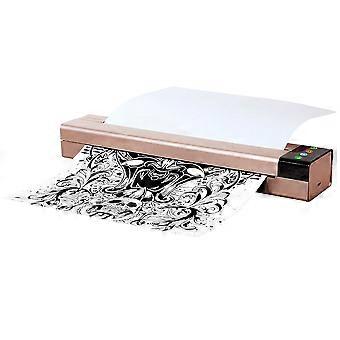
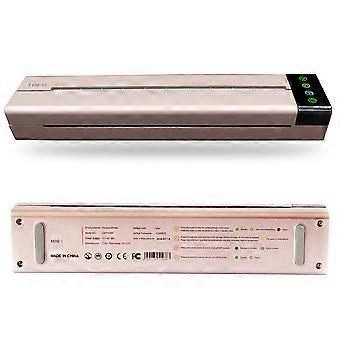
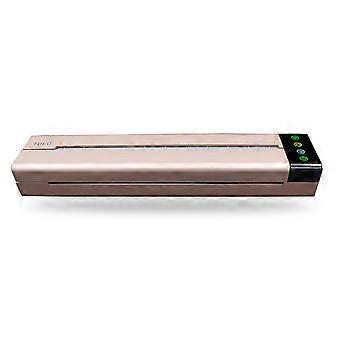
Mini Portable Tattoo Transfer Stencil Machine USB Thermal Copier 28.3x5.9x3.85cm
Portable Tattoo Transfer Stencil Machine Mini USB Port Thermal Copier Printer Compatible with Mobile Phone Device and Computer
Features:
Great Tool for Tattoo Artist --- This portable tattoo transfer machine allow you copy the designs onto stencil paper quicly and efficiently in any time any place, and copy your design to skin perfectly without error.
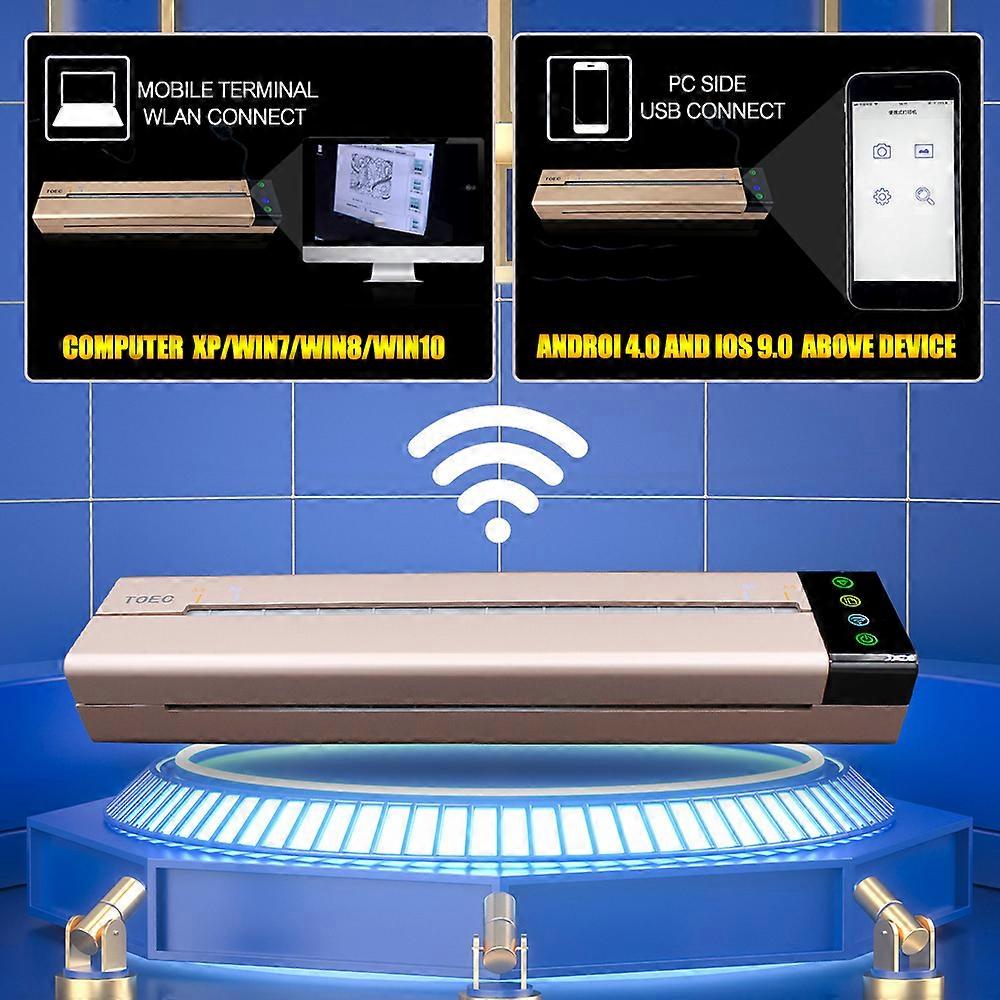
2 Operatingn Mode --- This mini stencil maker tattoo features both USB connect operation by PC and Wireless LAN connnect operation by mobile devices. With these 2 operation mode you can choose the print way flexiblely, make tatoo work more easy and convenience.
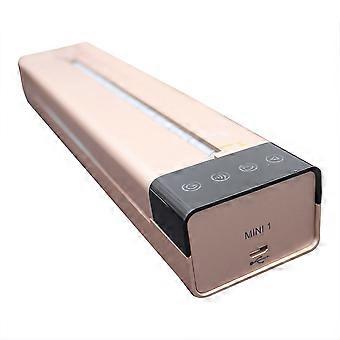
Easy Use --- There are 4 touch buttons for function choose and indicator that can indicate the status of the printer, including cancel button, feed button, Wireless LAN button and also power button, even greenhands can operat it fast.
Energy Saving and Eco-Friendly --- This stencil maker copier with mini size and lightweight for easy carry, compact design with fashional outlook and also with lower power consumption; inadition this printer no need ink and low volum in working.
Wide Compatible --- The printing tattoo transfer suit for A4 and B5 printing paper and thermal paper,Operating System suitable for Windows XP, Windows Vista, Windows 7, Windows 8, Windows10, Android 4.0 or above, iOS 9.0 or above.
Specifications:
Material: PVC
Plug: UK
Power Supply: 14V 6A
Adapter: AC 110V-220V
APP: TOEC
Phone Support: Androi 4.0 above, ISO 9.0 above
Computer Support: XP/Win7/Win8/Win10
Print Resolution: 200*200DPT
Paper Size: A4 & B5
Print Speed: 2ppm (thermal paper) or 1ppm (tattoo transfer printing paper)
Paper Feeding Method: Manual Feeding
Operating Temperature: 5℃ ~ 40℃
Operating Humidity: 40% ~ 60%
Storage Temperature: -25℃ ~ 40℃
Storage Humidity: 5% ~ 90%
Atmospheric Pressure: 86kPa ~ 106kPa
Item Size: 28.3*5.9*3.85cm/11.1*2.3*1.5in
Item Weight: 545g/19.2oz
Package Weight: 1930g/68.1oz
Package Size: 39*25.4*11.7cm/15.4*10*4.6in
Package List:
1 * Tattoo Transfer Machine
1 * USB Cable
1 * Charging Adapter
1 * U-Disk (contain operation video)
1 * Manual
1 * Storage Bag
Instruction:
1. Start the printer:
Make sure that the power cord of the printer is connected correctly.
Start the computer.
Start the printer and the indicator lights are lit. Wait for the paper feeding indicator light goes out, and then the printer is prepared to print.
Confirm that the printer driver has been installed correctly and it works normally.
Connect the printer to PC via USB or WLAN.
Put the paper into the printer till the printer automatically leads the paper to the right place.
Note: please make sure to start the computer first, and then start the printer (if print via WLAN, please connect to the network first), or it may lead to the computer can't recognize the printer. If the computer can't recognize the printer, please restart the printer or reinsert USB cable or reconnect to WLAN.
2. Print via USB:
Open the document needed to print, and select "Print" in the "File" menu.
In the "Print" dialog box, click the "Name" in drop-down list box and select "OEP103W".
Click "Properties", select advanced option in the "Paper/Quality" tab in the dialog box, and select the brightness to change the light or dark effect of the printed document.
Set up the printing option and the number of copies, and click "OK" to confirm. The printer begins to print and the window of "OEP103W Status Monitor" pops up on the computer.
If need to cancel the current print job, you can press the "Clear" button on the printer or click "Cancel printing" to stop the current print job in the window of "OEP103W Status Monitor".
3. Print via WLAN:
When print via WLAN, please make sure the printer has already been connected successfully. Please select "OEP103W-WLAN" in the drop-down list box in the "Name" in "Print" dialog box, and other procedures are same with USB printing operation.
How e the tattoo transfer machine?
1. Select your favorite pattern and type it on a blank paper (A4 paper size).
2. Turn the machine on.
3. Open the transfer paper cover.
4. Put the yellow side of the stencil sheets into the transfer paper input mouth.
5. Put the printed pattern into the document feeder.
6. Set up the copy mode.
7. Press the copy button.
Frequently Question & Answers:
Q1: How to solve machine prints random line or black lines problem?
A: Please Restore Default Setting & Clean Roller Regularly. Wipe out the inks on the roller regularly to avoid printing black line.
Q2: How to solve paper jam up problem?
A: If the machine is overheating, the paper will jam up, please wait for the machine to cool down, and then you can use it again.
-
هوية Fruugo:
415303846-876816627
-
EAN:
7891339082590